
AI-assisted PCAP analysis · PacketSafari Analyzer
AI PCAP analyzer.
Find what explains it.
Use AI to focus the investigation, then verify the answer against the exact flows, frames, fields, and bytes.
Display filter
Matching frames
Decoded proof

Millions of packetsStrongest signalsExact evidence
01 · Locate the signal
Stop reading the capture from packet one.
Rank what changed. Open the evidence behind it.
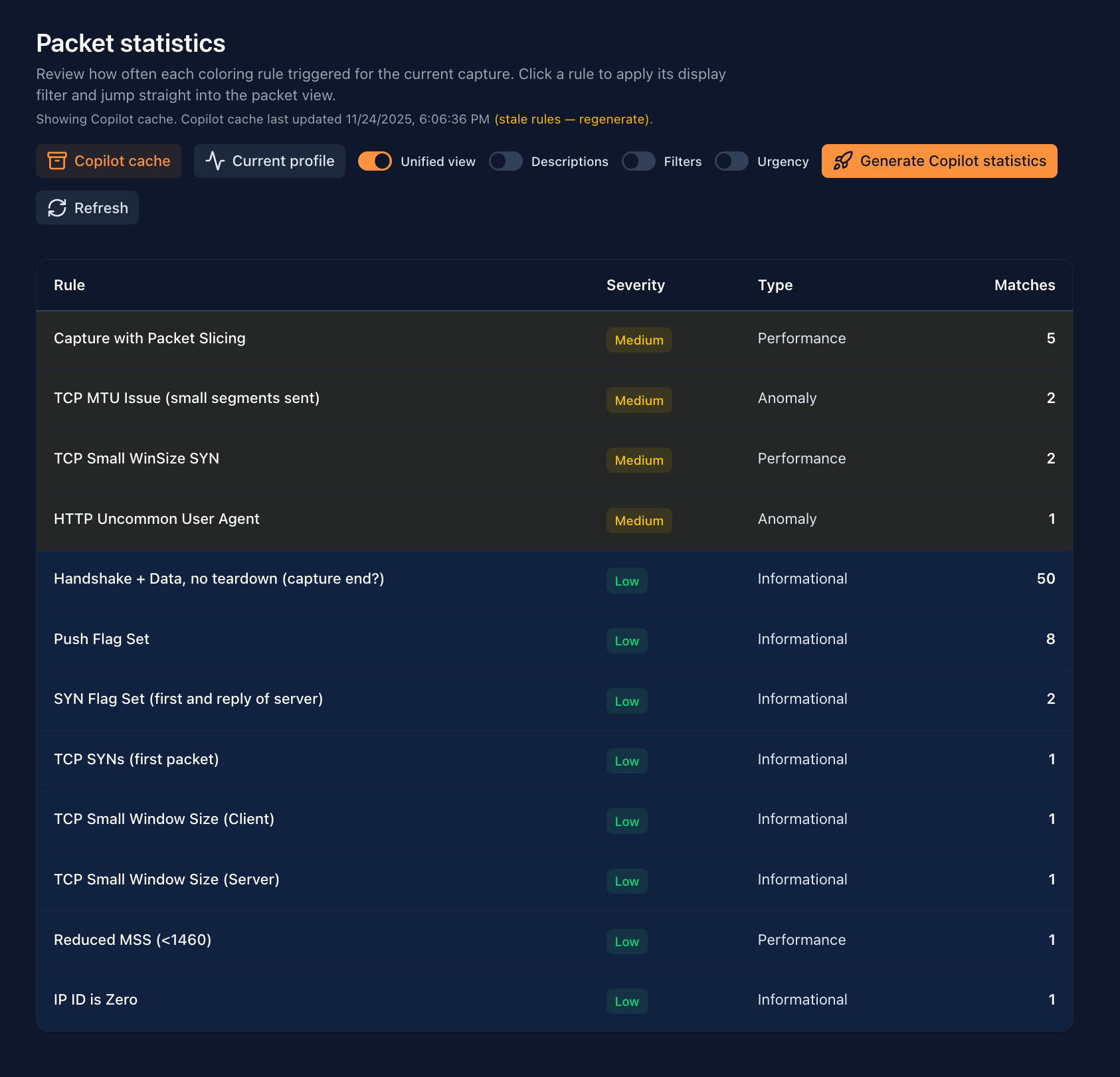
- 01RankFlows · timing · hotspots
- 02PivotFilter · stream · frame
- 03ProveFields · bytes · timeline
02 · PacketSafari Core Engine
Behavior points.
Packets prove.
Move from the suspicious conversation to the exact frames, fields, and bytes—without leaving the investigation.
See how Triage prepares the evidence map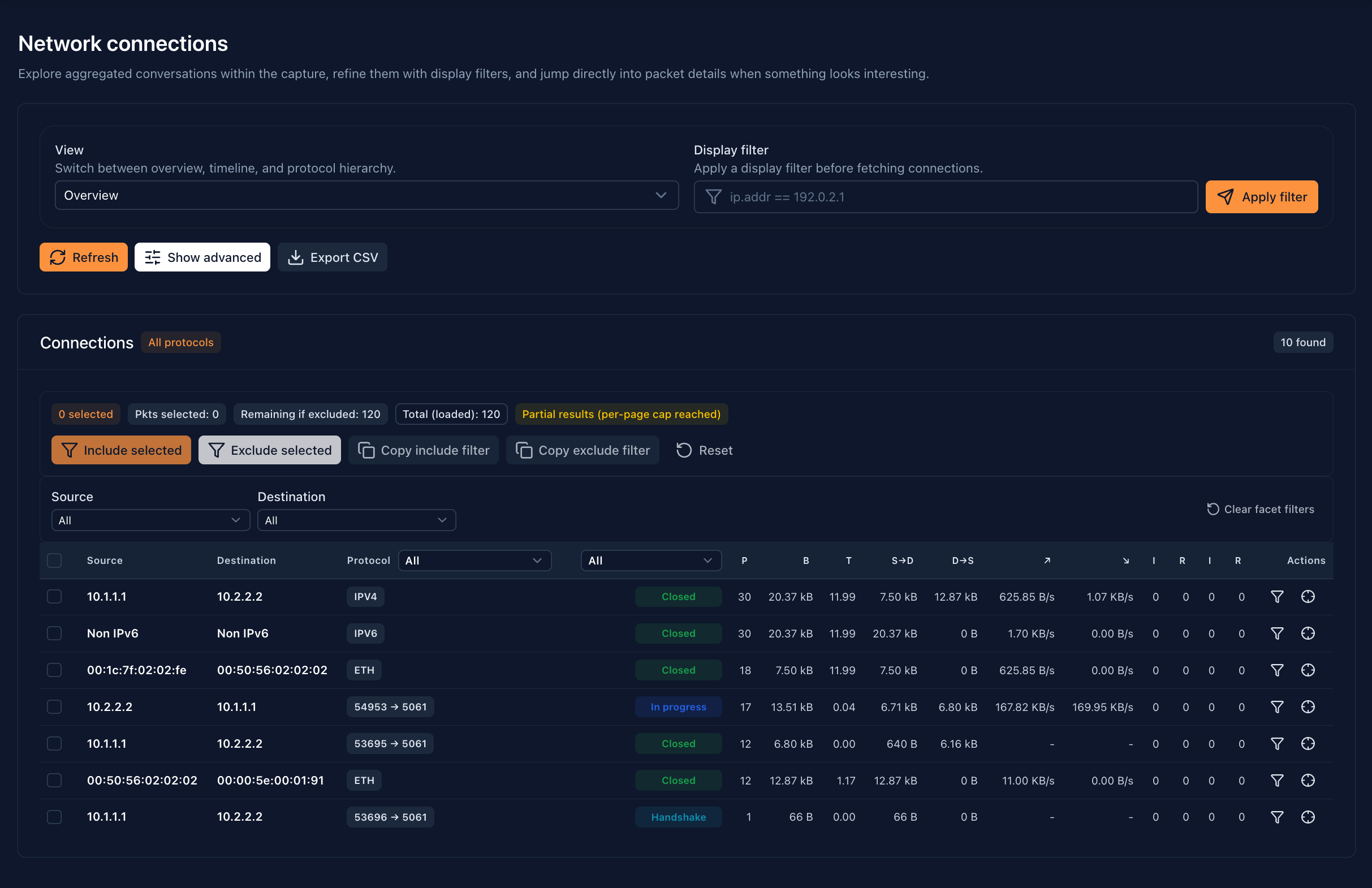
03 · Diagnose the stream
See the failure
take shape.
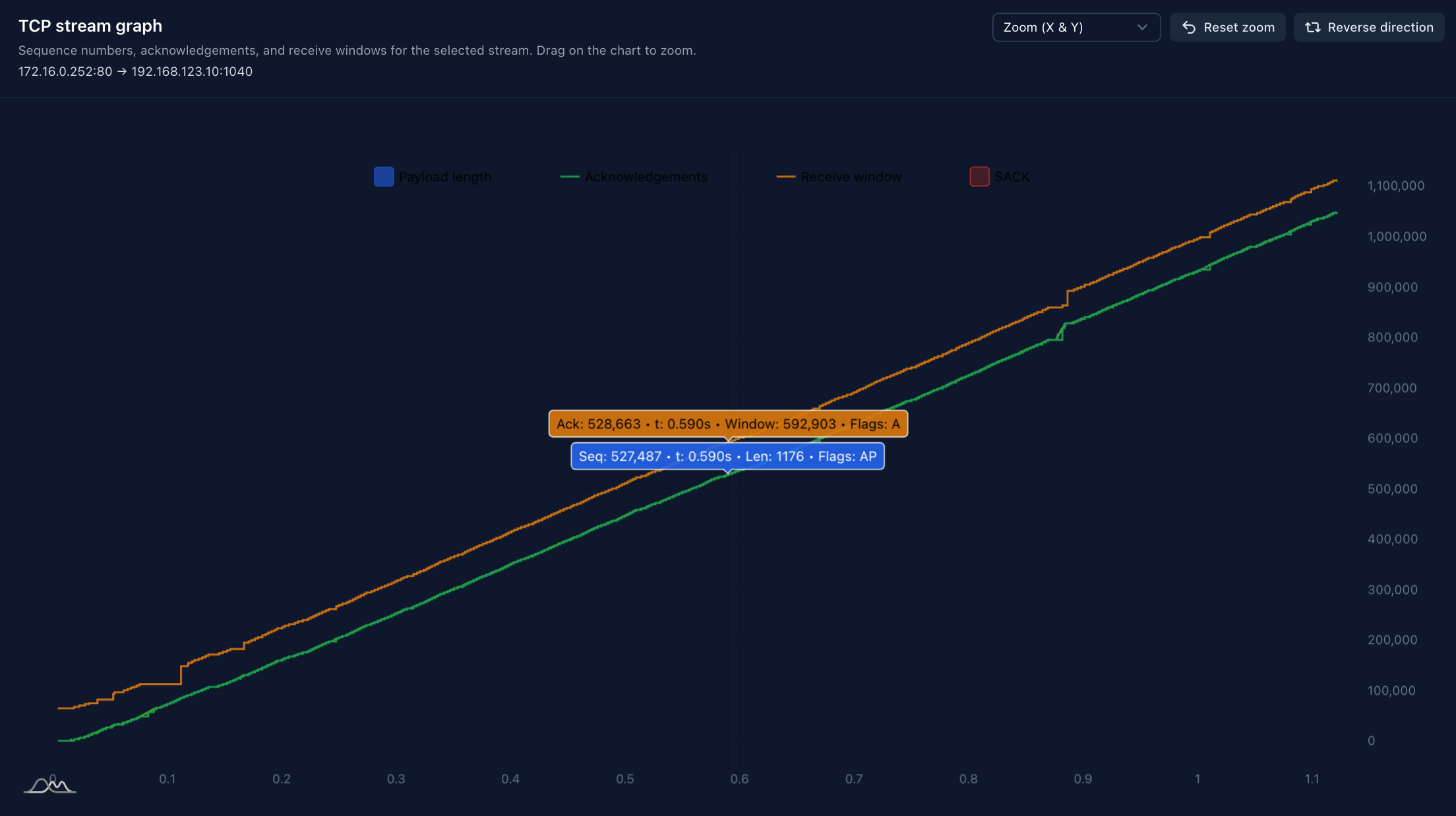
Loss, latency, retransmissions, and window pressure—correlated in one stream.
Graph → affected range → exact frames
04 · Preserve the work
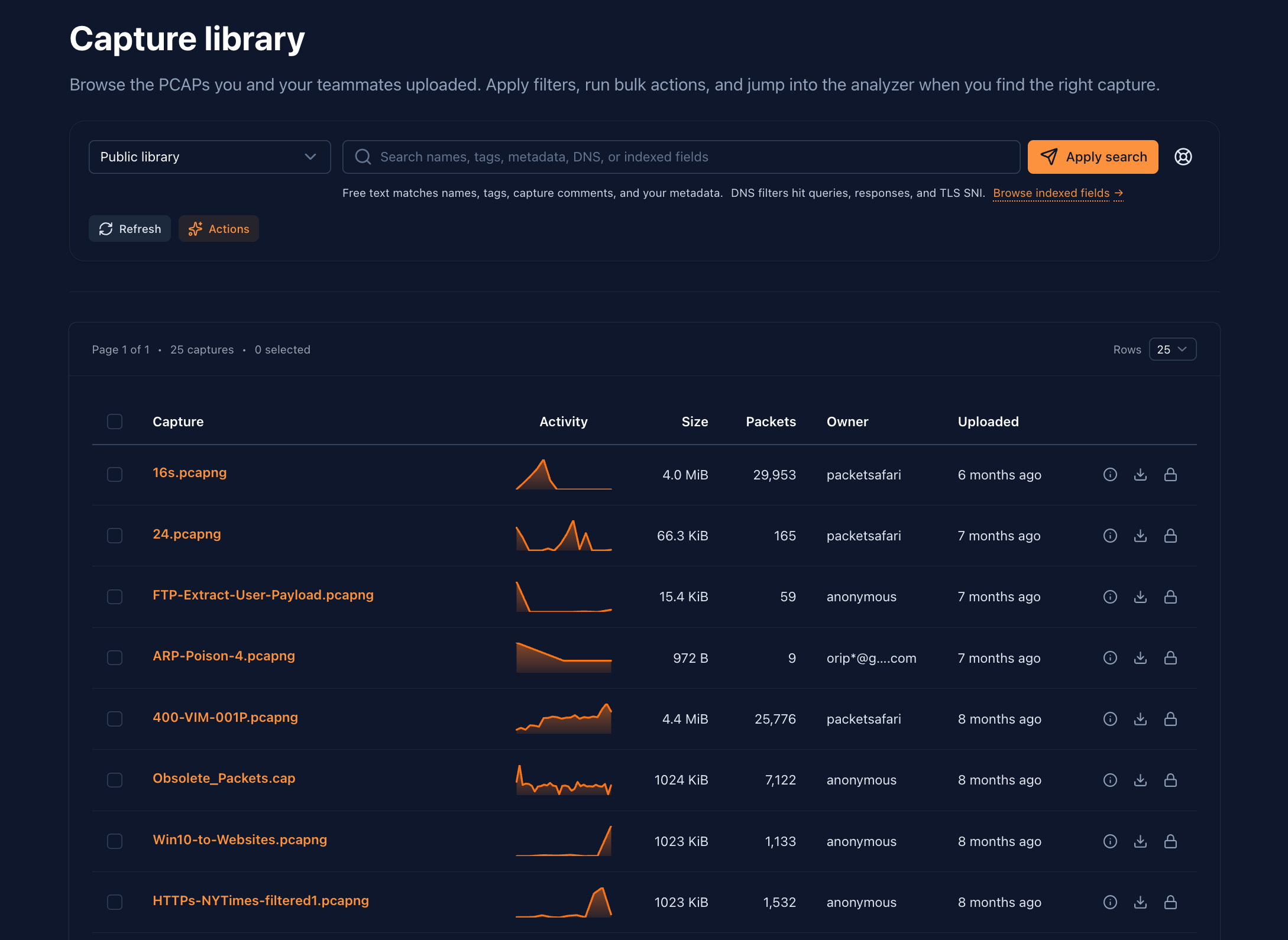
Evidence that survives the incident.
- Find
- Owner · customer · severity · tags
- Resume
- Filters · notes · Agent work
- Hand off
- Evidence · report · permissions
Large-capture capacity is deployment-defined and validated against the customer’s real capture profile.
Investigate in the browser